
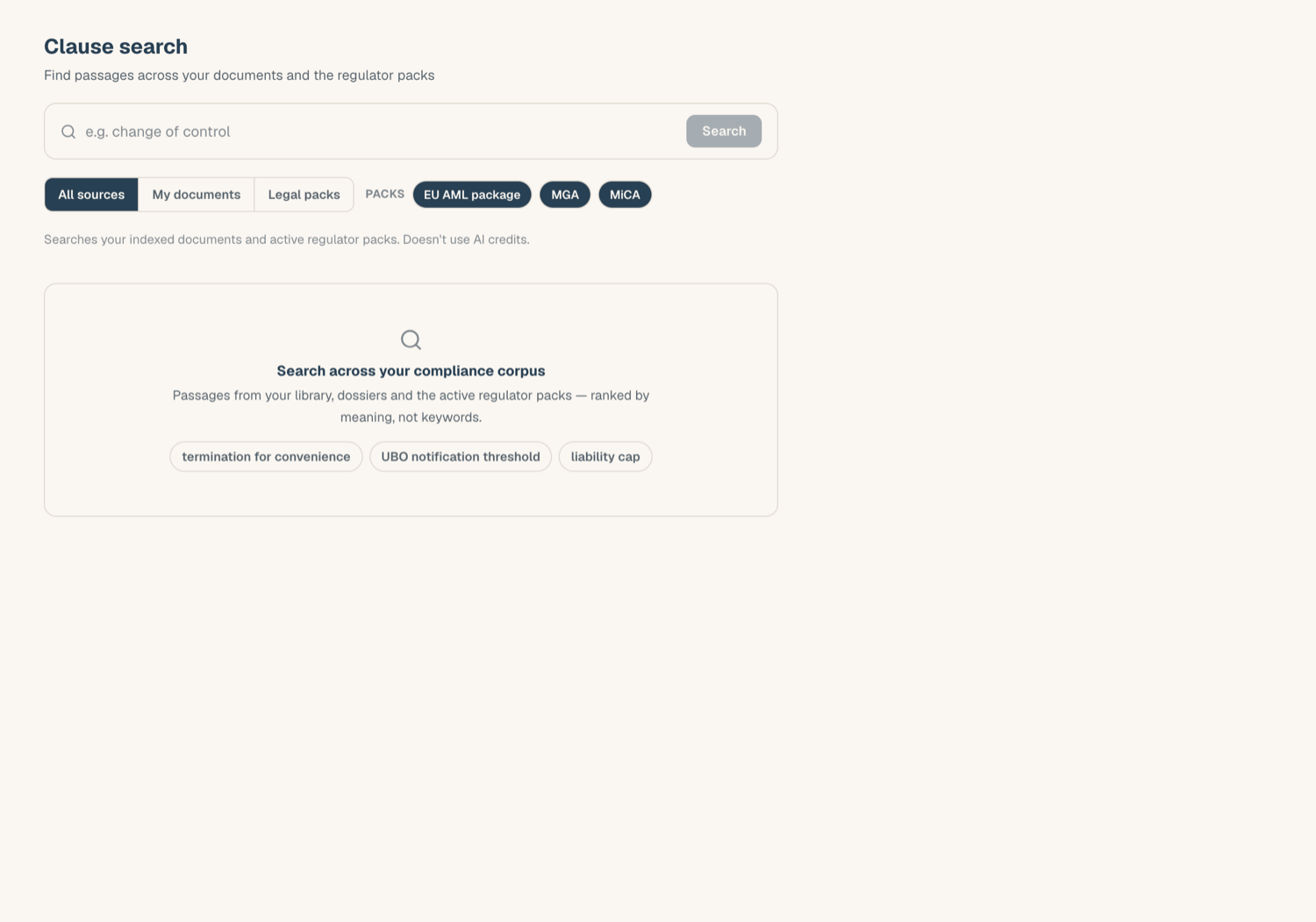
Clause search finds verbatim passages across your Document Library, your KYB records, and the regulator packs, ranked by relevance. It runs on the retrieval index alone, so it uses no AI credits.
Run a search
- Open Legal AI > Clauses.
- Type what you are looking for: a concept ("termination for regulatory breach"), a phrase, or a question.
- Choose a scope: Library documents, KYB Manager documents, regulator packs, or everything. When packs are in scope, chips let you narrow to specific packs.
- Results are ranked passage cards: the verbatim text with your terms highlighted, the source, and a relevance bar.
Open a result
Each passage deep-links to its source:
- Library documents open in the document drawer.
- KYB Manager documents open the entity's KYB record with the right slot drawer open.
- Regulator pack passages link out to the official source on the regulator's site.
The passage card shows exactly what is stored, so you can judge relevance before opening anything.
Hand off to the Copilot
Found the right document but need analysis rather than a passage? Click Ask Copilot on a result: the chat composer opens prefilled with your query and the source staged as an attachment (or the pack staged as scope). Nothing sends until you press send, and only then do normal chat credits apply.
What clause search can and cannot see
- It searches indexed text. A freshly uploaded document may show a still-indexing notice until the index catches up. Scanned pages and images are read with text recognition first, so most scans are searchable; a document whose text still cannot be read is marked unreadable and stays out of results.
- It respects your permissions: documents outside your subject scope, archived documents, and templates do not appear.
- Person-anchored identity documents are never indexed, so they never appear here either.
- It matches meaning and wording inside documents; to find a document by its title, use the global search (Cmd/Ctrl+K) instead.
Cost
Clause search is unmetered: run as many searches as you like, no credits are spent. The page says so, and it stays available as long as your workspace has the Legal AI module.
Related articles
- Ground answers in your documents: attach a found document to chat
- Regulator packs: the curated official sources behind pack results
- Chat basics: what happens after the Copilot handoff