
Sent envelopes are frozen: you can't edit the document, recipients, or fields once links exist. When something needs to change, the path is void, fix, and send again. Cloning does the re-setup for you.
Void an envelope
- Open the document's E-sign tab (or find the envelope on the e-sign dashboard).
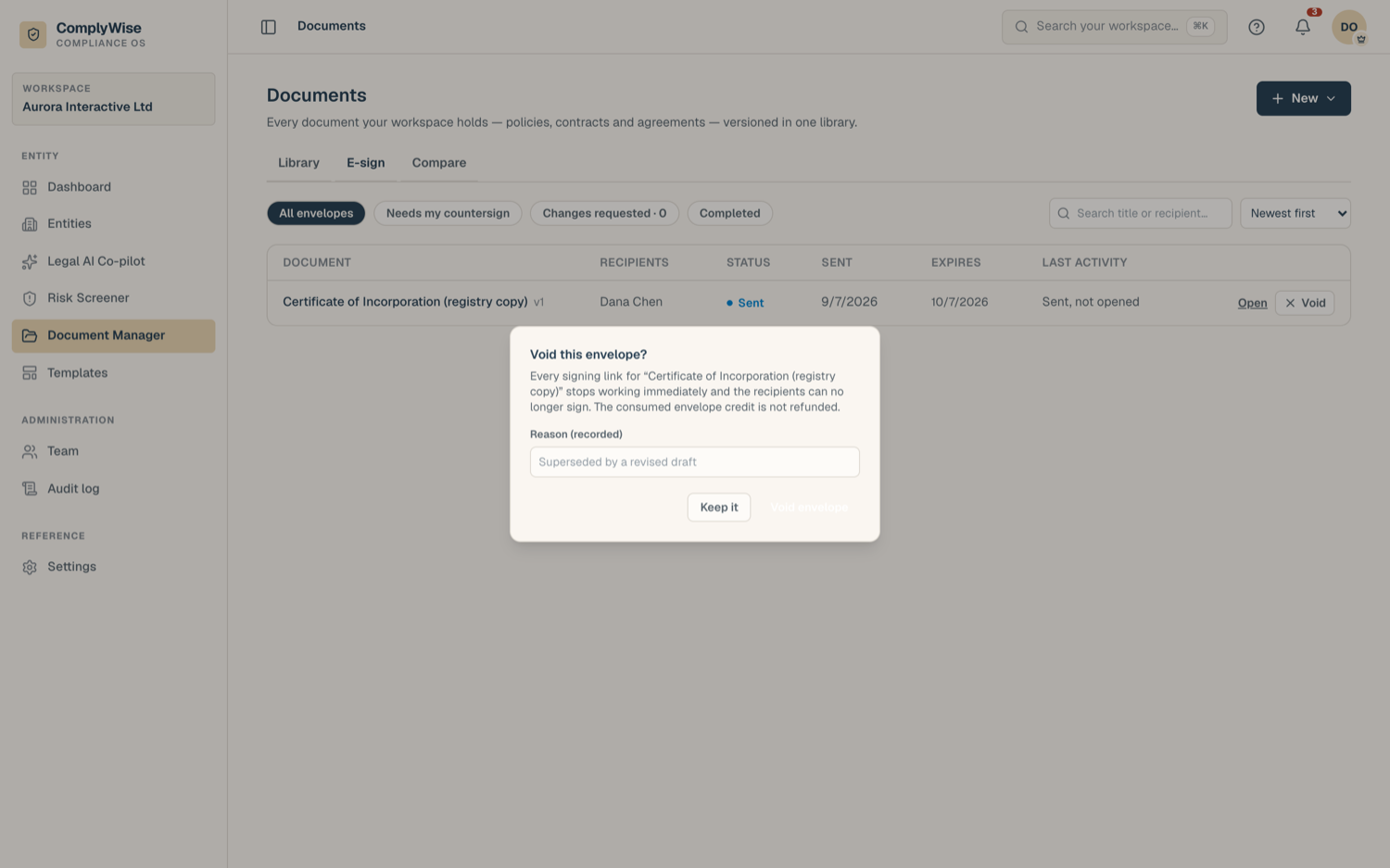
- Click Void envelope.
- Enter a reason. It's stored on the envelope's record and shown in the activity trail.
- Confirm.
Voiding takes effect immediately:
- Every outstanding signing link dies. Nobody can sign a voided envelope.
- Signers who have an email address on file get a courtesy message telling them their link is no longer active, so they aren't left clicking a dead link.
- The envelope credit consumed at send is not refunded.
- The document itself is untouched and unlocked: you can edit it again and create new versions.
Void & clone
If you already know you'll re-send (a signer requested changes, a name was wrong, a clause needs fixing), use Void & clone in the void dialog. It voids the envelope and, in the same step, creates a fresh draft envelope with:
- The same recipients, in the same roles and order (emails included).
- The same fields, placed in the same positions for the same people.
The clone is a draft: nothing is sent yet. Make your document edits, review the recipients and fields, adjust anything that prompted the redo, and send. Sending the new envelope consumes a new credit, and expiry is picked again at send.
Clone any finished envelope
Cloning isn't only for voids. Every finished envelope offers it:
- Voided, declined, and expired envelopes have a Clone action.
- Completed envelopes have Send again, useful for recurring agreements with the same parties.
Clones use the current version
A clone is always drafted against the document's current version. If the original envelope was pinned to an older version, the send surface says so, so you always know exactly which content is going out. Check the preview before sending.