
The ownership register records who owns and runs the company: shareholders, directors, and ultimate beneficial owners (UBOs). Banks and regulators will ask for exactly this, so keeping it current pays off every time you share the KYB record.
Before you start
- You need the Contributor, Editor, or Workspace Admin role to add or edit parties.
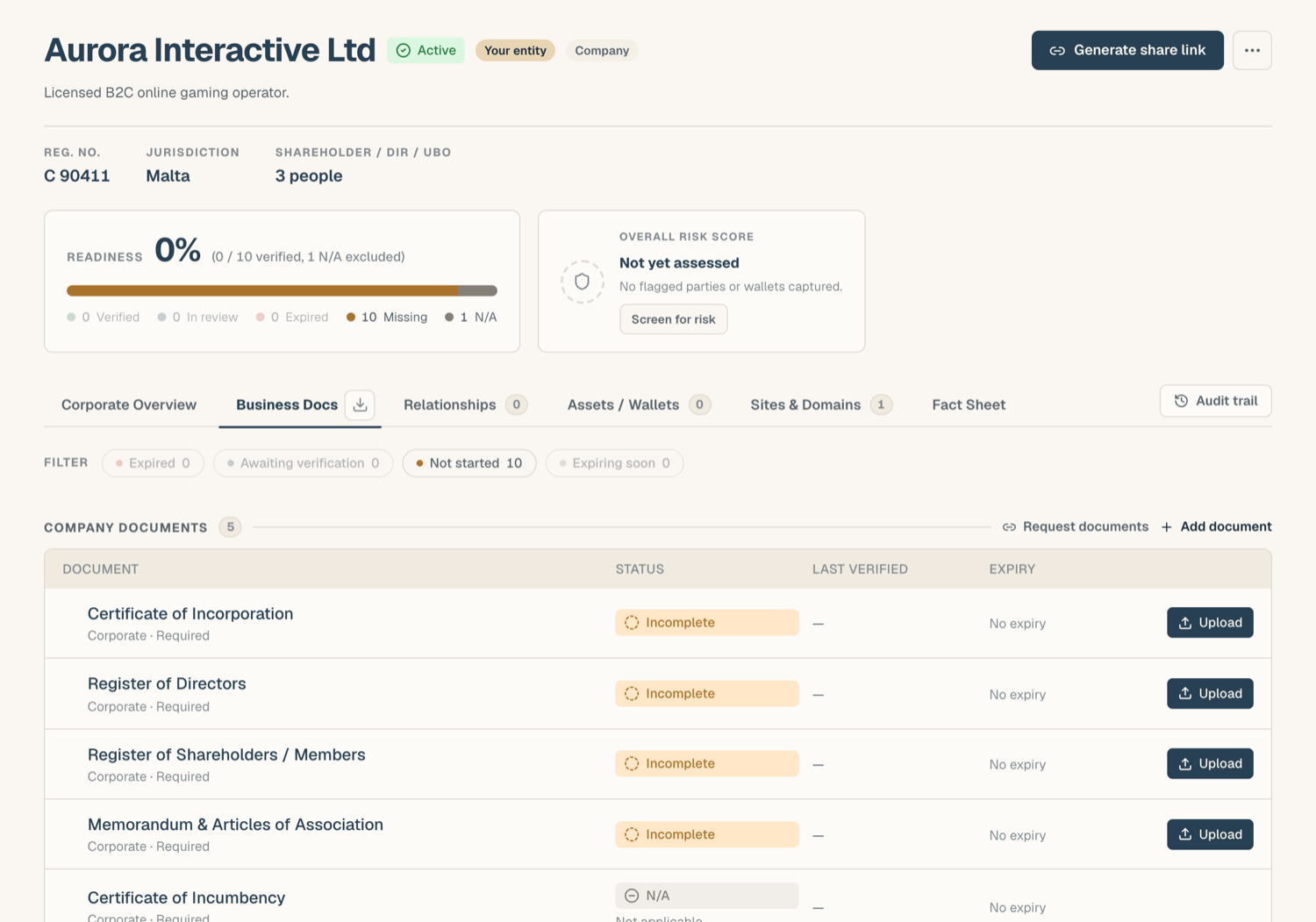
- The register lives on the entity's Business Docs tab, under Company Shareholders, Directors, UBOs. The same register, drawn together with the structure chart, also appears on the Corporate Overview tab under Ownership & management structure.
Add a person
- Open the entity and go to the Business Docs tab, then scroll to Company Shareholders, Directors, UBOs.
- Click Add shareholder, director or UBO; the form opens in view and focuses the first field.
- Enter the person's name and pick their roles: shareholder, director, UBO. One person can hold several roles at once.
- For shareholders, enter the ownership percentage.
- Pick the nationality from the country picker (type to search, listed alphabetically).
- Add any notes and save.
Add a corporate owner
When a shareholder is a company rather than a person, add it as a corporate owner. ComplyWise creates it as its own linked entity with its own KYB record, so you can document the parent the same way you document your own company: its documents, its owners, and so on up the chain. The two KYB records stay connected, and the ownership percentage links them.
See Related entities & groups for how these connected entities behave.
Person documents
Each person in the register can carry their own documents (passport, proof of address, and similar). Open the person to see their document slots and upload into them; they follow the same statuses and checks as company documents.
Risk pills after screening
Once the entity has been screened, each party in the register shows the result inline:
- A risk band pill (Clear, Elevated, High, Severe) reflecting what screening found for that person or corporate owner.
- A separate PEP chip when the person is a politically exposed person; PEP status is tracked as its own dimension, not folded into the risk band.
- Severe · unconfirmed means screening found candidate matches that no one has reviewed yet: open the screening report from the pill to confirm or dismiss them before treating the result as final.
Parties that haven't been screened yet simply show no pill.
Tips
- Ownership percentages matter for screening: results for owners are weighted by their stake when they roll up into the entity's overall risk.
- Keep roles honest: a director who is not a shareholder should carry only the director role, with no percentage.
Related articles
- The corporate structure chart: the same register, drawn as a chart
- Related entities & groups: corporate owners as linked entities
- A tour of the KYB Manager: where the register fits